
Goal
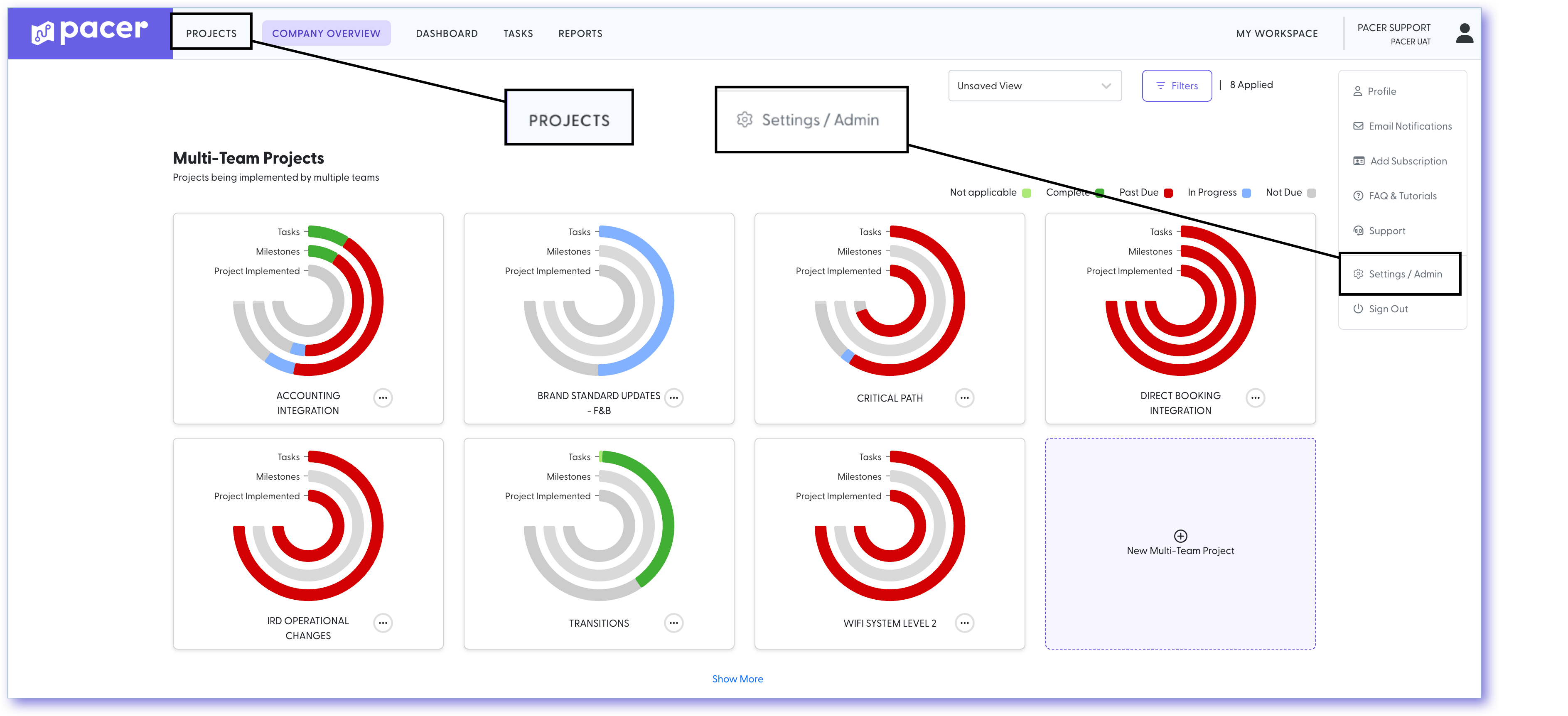
There has been a recent update to the Pacer navigation menu, including the new location of the Admin button and the introduction of a dedicated Projects button for quicker access to key project management tools.
Note: These changes are visible to users with Admin, Owner, or Moderator roles.
How To
- To access the Admin section, click your name in the upper right corner. The Admin button has moved to this dropdown menu for better visibility and consistency.
- To manage projects, click the new Projects button in the main navigation bar.
- Hover over the Projects button to access:
-
Project Control Hub (PCH) – Formerly known as the Project Manager Dashboard, this hub provides a centralized view of project performance and includes tabs for:
- Locations + Teams
- Task Lists
- Project Files
- Project Waivers
- Support Tickets
- Project Details
- Create a New Project – Launches the guided Project Wizard.
- View All Active Projects
-
Project Control Hub (PCH) – Formerly known as the Project Manager Dashboard, this hub provides a centralized view of project performance and includes tabs for:
Comments
0 comments
Please sign in to leave a comment.